- In the Banner Medications app, click on the navigation menu at the top left of the app
- Click “Progress Sharing”
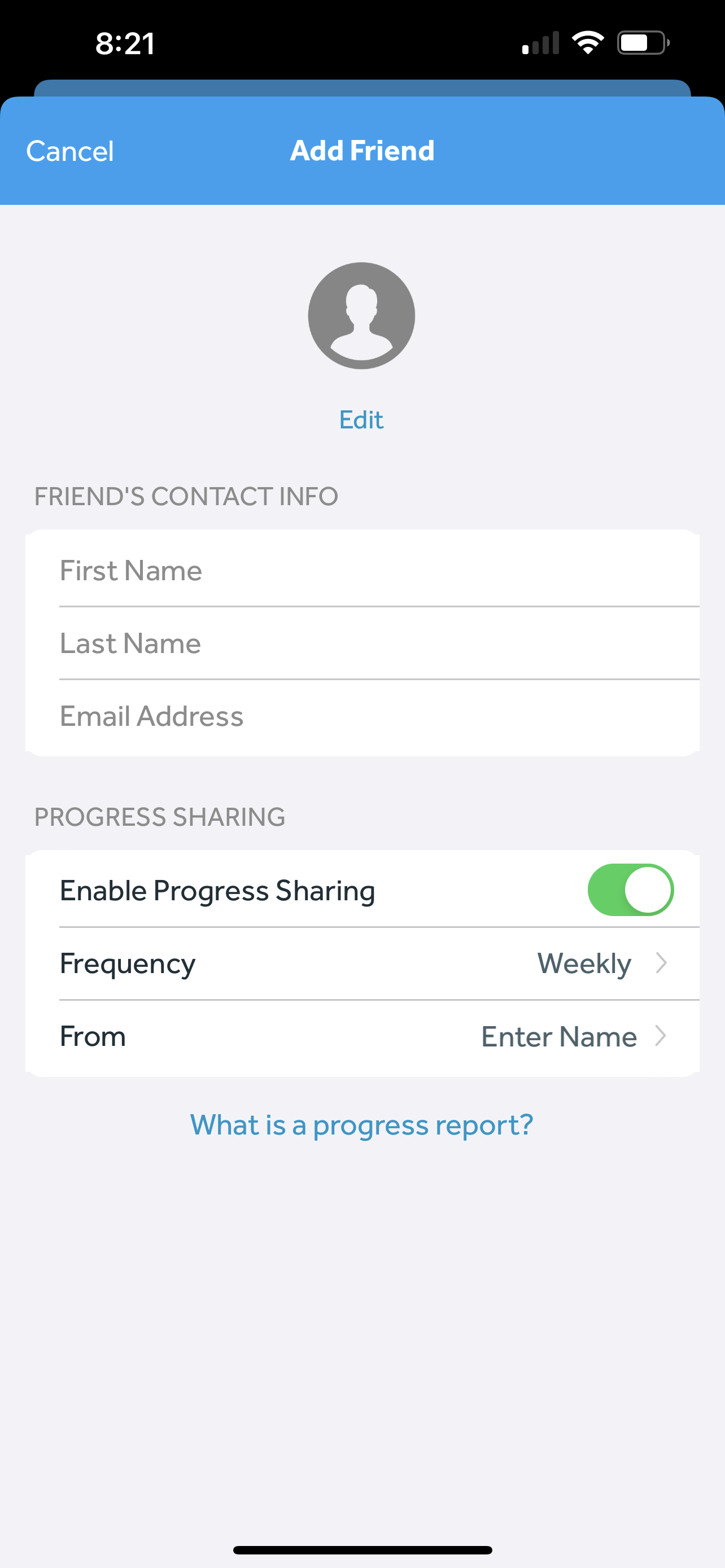
- Click “Add Friend”
- Enter your caregiver or loved one’s details. Make sure “Enable Progress Sharing” is toggled to on, select your desired frequency, and enter your name
- Click “Save"