When it’s time to take a medication, upon opening the Banner Medications app you will see a list of medications due. Select the medications you would like to snooze, then click the “Snooze” button.
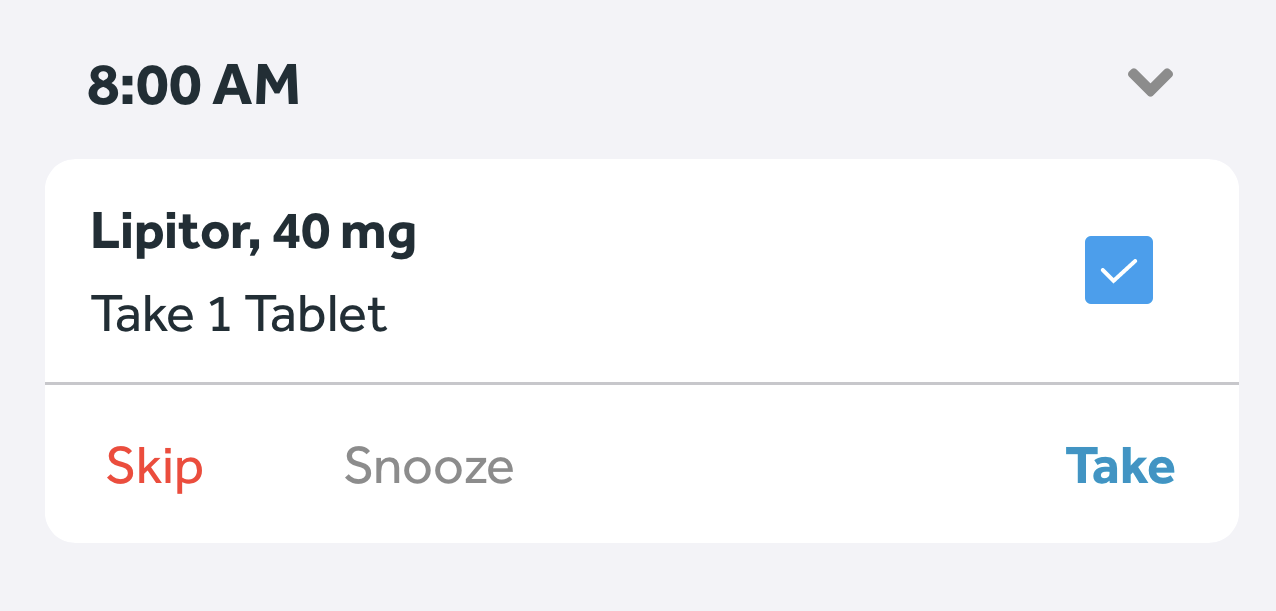
Next, select your desired snooze time. Once you've selected your snooze time, your notification will come after that time has elapsed (i.e. if you snooze for 30 minutes, your reminder will come in 30 minutes).
You can snooze your medications from notifications, too.
iOS
On the notification, hold down on “View,” and then select “Snooze” from the 3 options that appear.
Android
Expand the notification, and then select “Snooze” from the 3 options that appear.