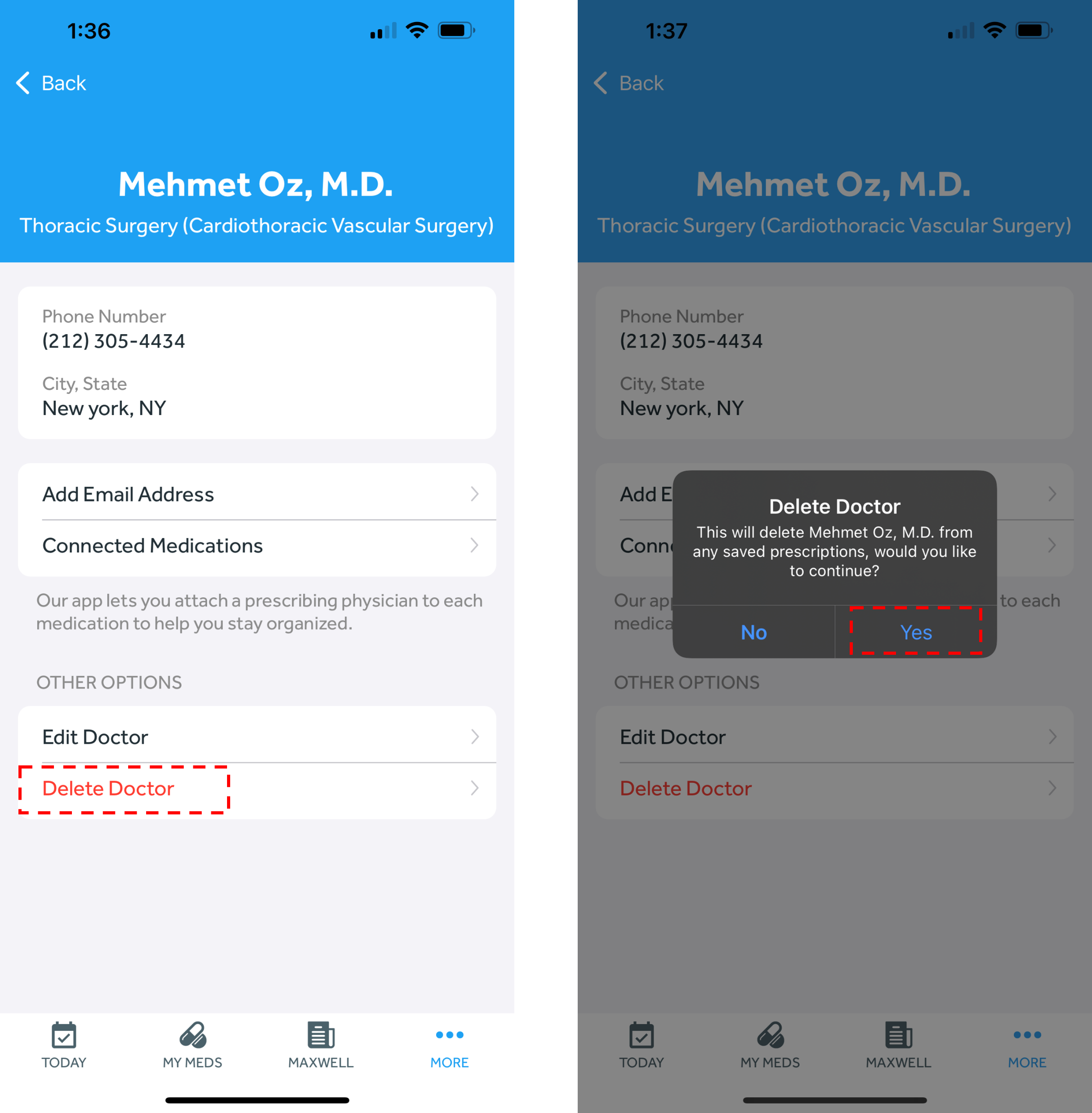
Deleting a doctor July 01, 2024 15:53 Updated In the Banner Medications app, click on the navigation menu at the top left of the app Click “Doctors” Select the doctor you wish to delete Select “Delete Doctor” towards the bottom of the page. Click “Yes” on the next pop-up.