- In the Banner Medications app, click on the navigation menu at the top left of the app
- Click “Pharmacies”
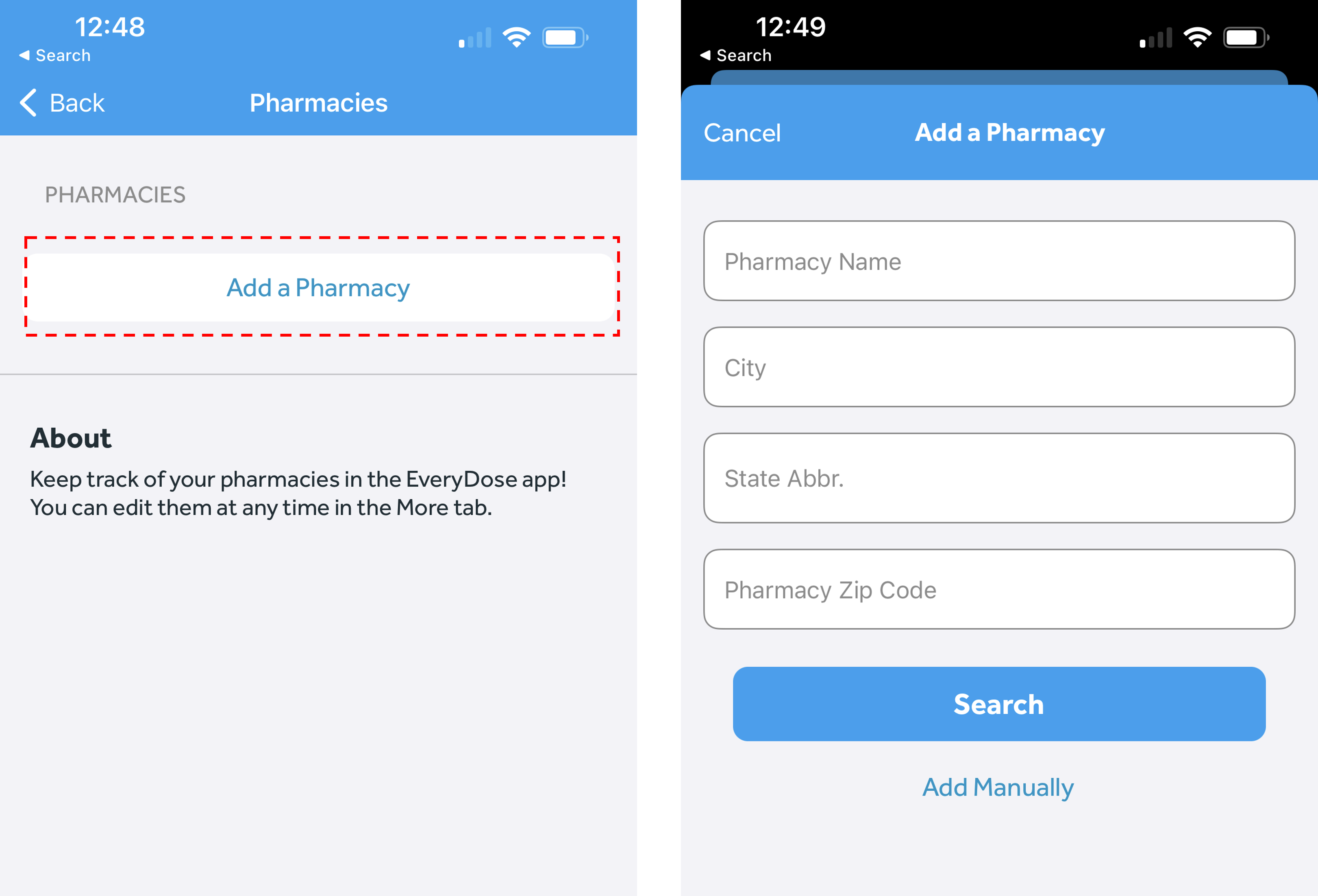
- Click "Add a Pharmacy"
- Enter the pharmacy name, city, state, and zip code for the pharmacy
- Press "Search"
- Review the list of pharmacies returned in the search and select your pharmacy. Press "Save" on the top right of the page
-
- If you don't see your pharmacy listed, you can still add it manually by pressing "Add Manually"
-