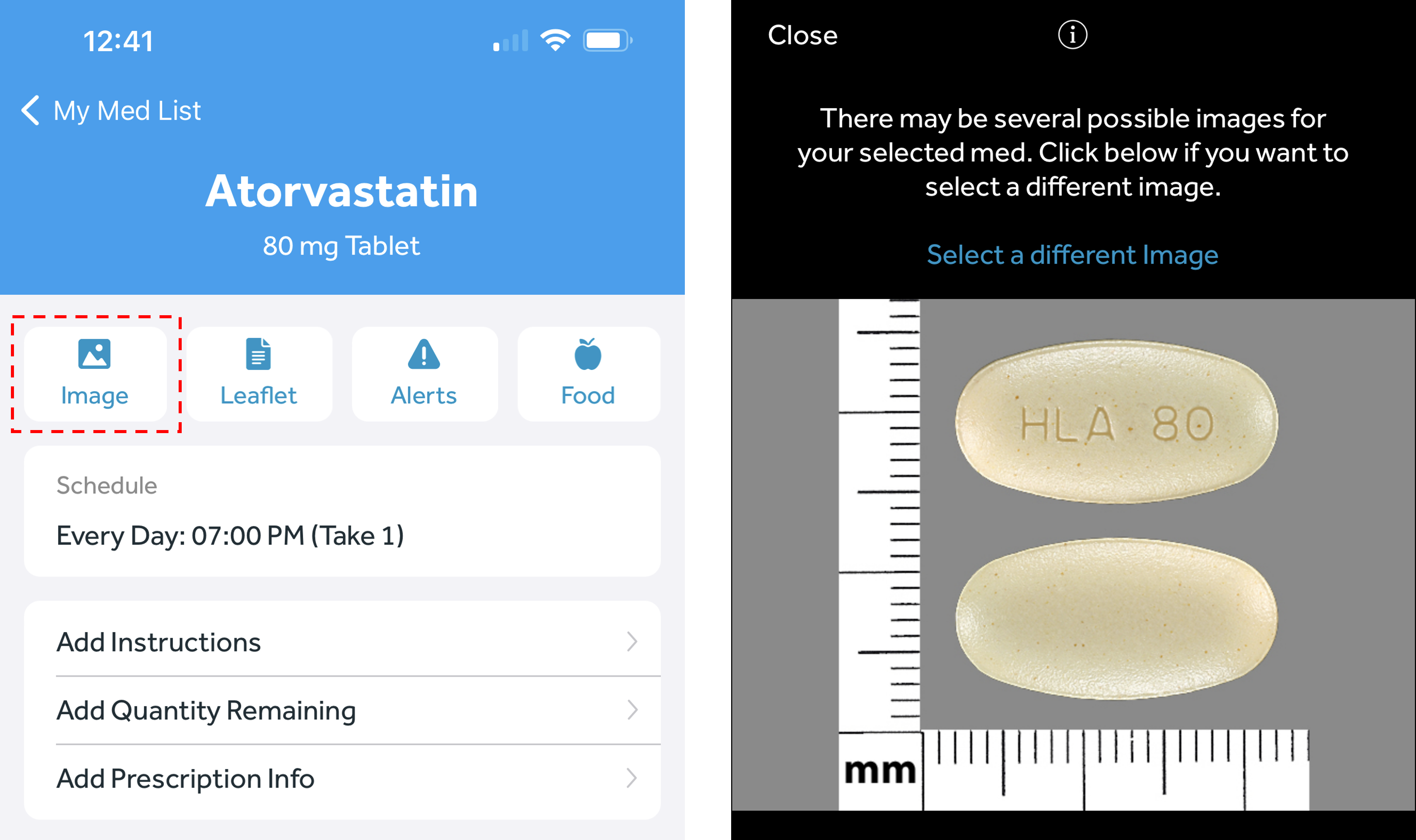
- In the Banner Medications app, navigate to the My Meds tab
- Select the medication you wish to view the image for
- Click on the “Image” button near the top left of the page
- If you want to change the current image, click “Select a different image” above the photo
- Scroll through the options and choose your desired image by clicking “Select” in the top right corner