- In the Banner Medications app, navigate to the My Meds tab
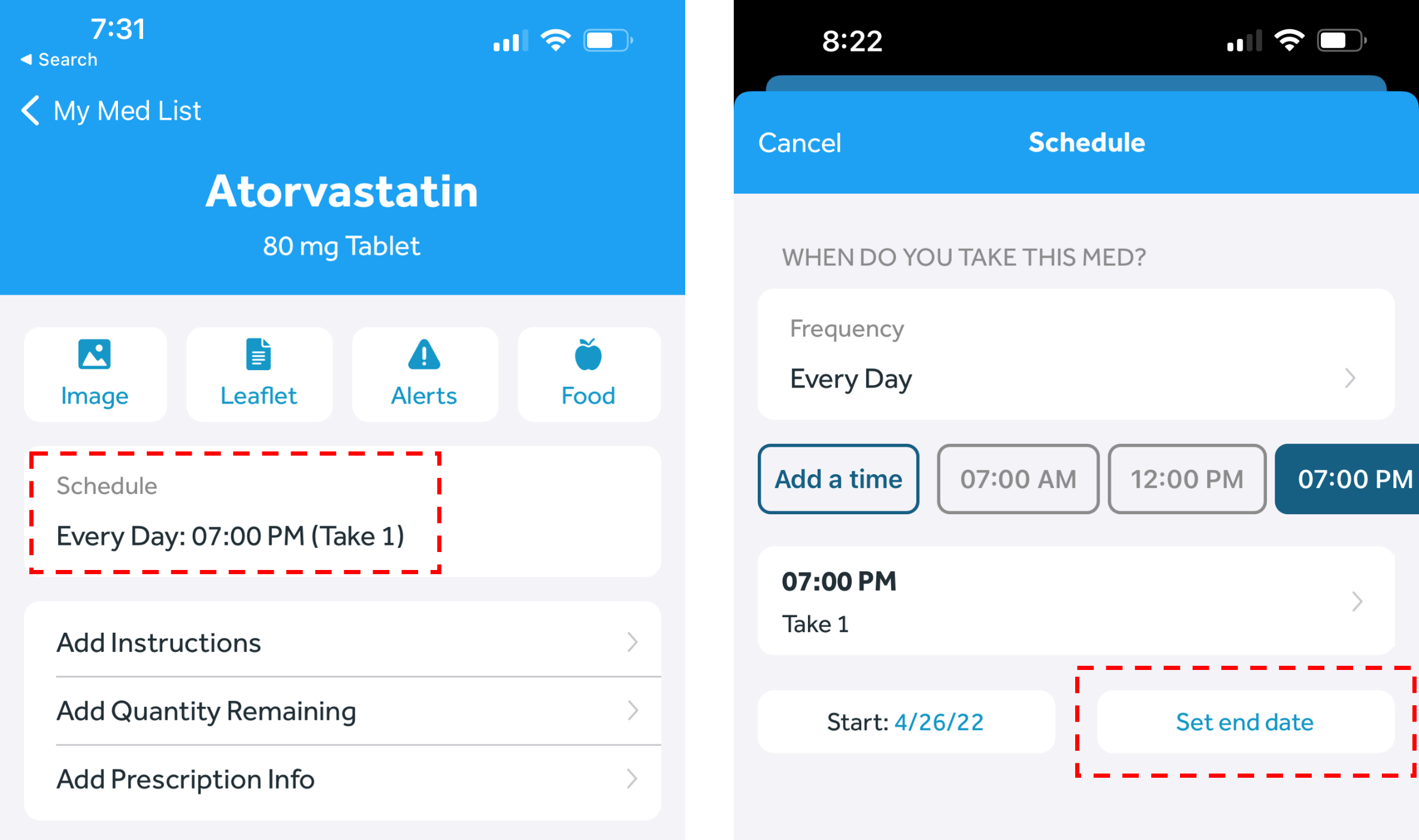
- Select the medication you wish to set an end date for
- Click on the current schedule
- Click “Set end date” or click the existing end date, and set your new desired end date. Click “Save” in the top right corner