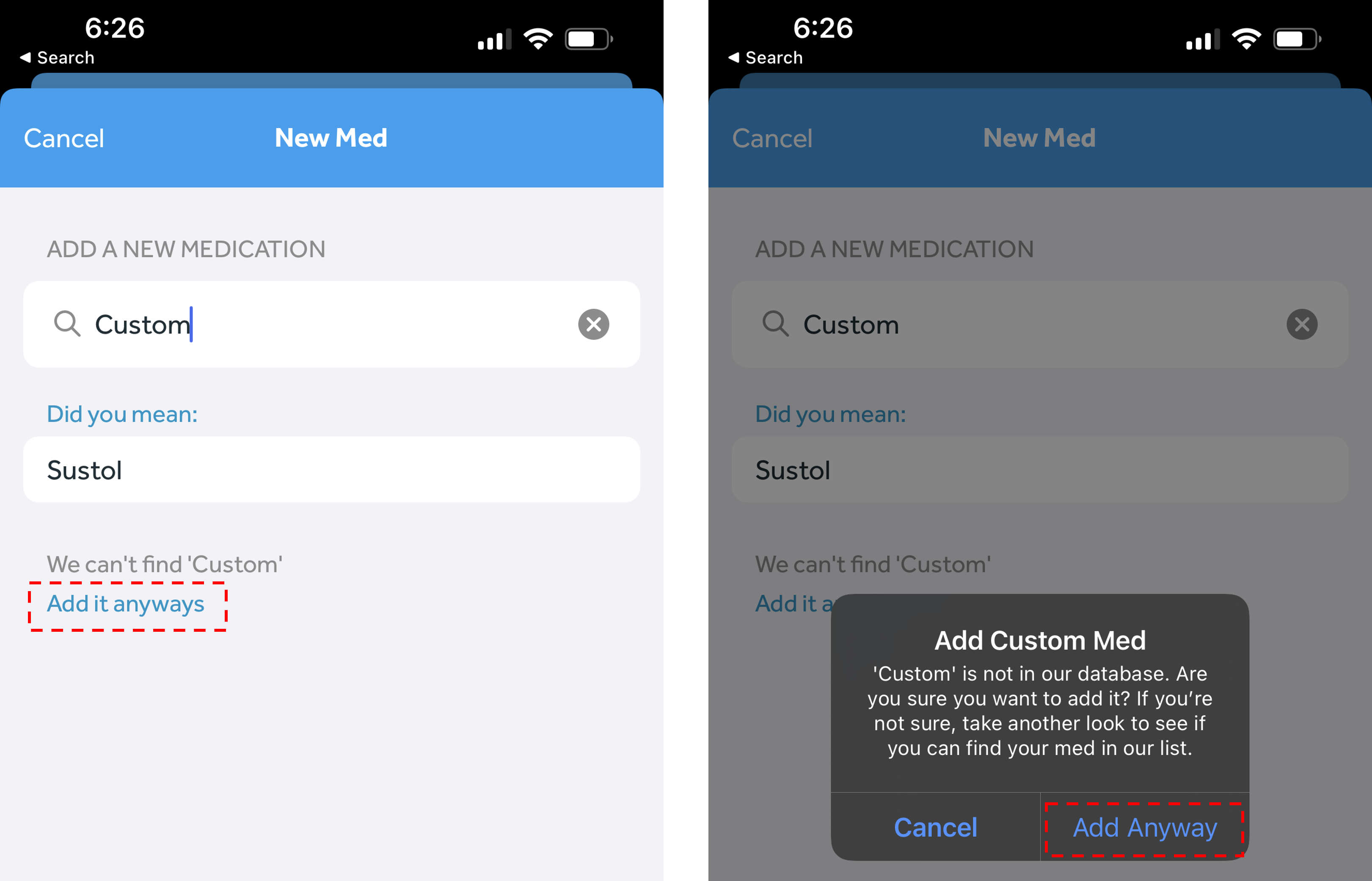
When you're adding a medication, if you don't see your desired medication in the search list, you can still add your medication as a "custom" medication. Here's how to do this:
- In the Banner Medications app, navigate to the My Meds tab
- Click the round “plus” button at the bottom right of the page
- Type in the name of the medication you wish to add
- If the medication is not present in our database, click “Add it anyways.” Select “Add Anyway” on the pop-up
- Input the strength and form of the medication and click “Next”
- Continue scheduling the medication
- Press "Save and Schedule"