- In the Banner Medications app, click on the navigation menu at the top left
- Click the “Settings” button
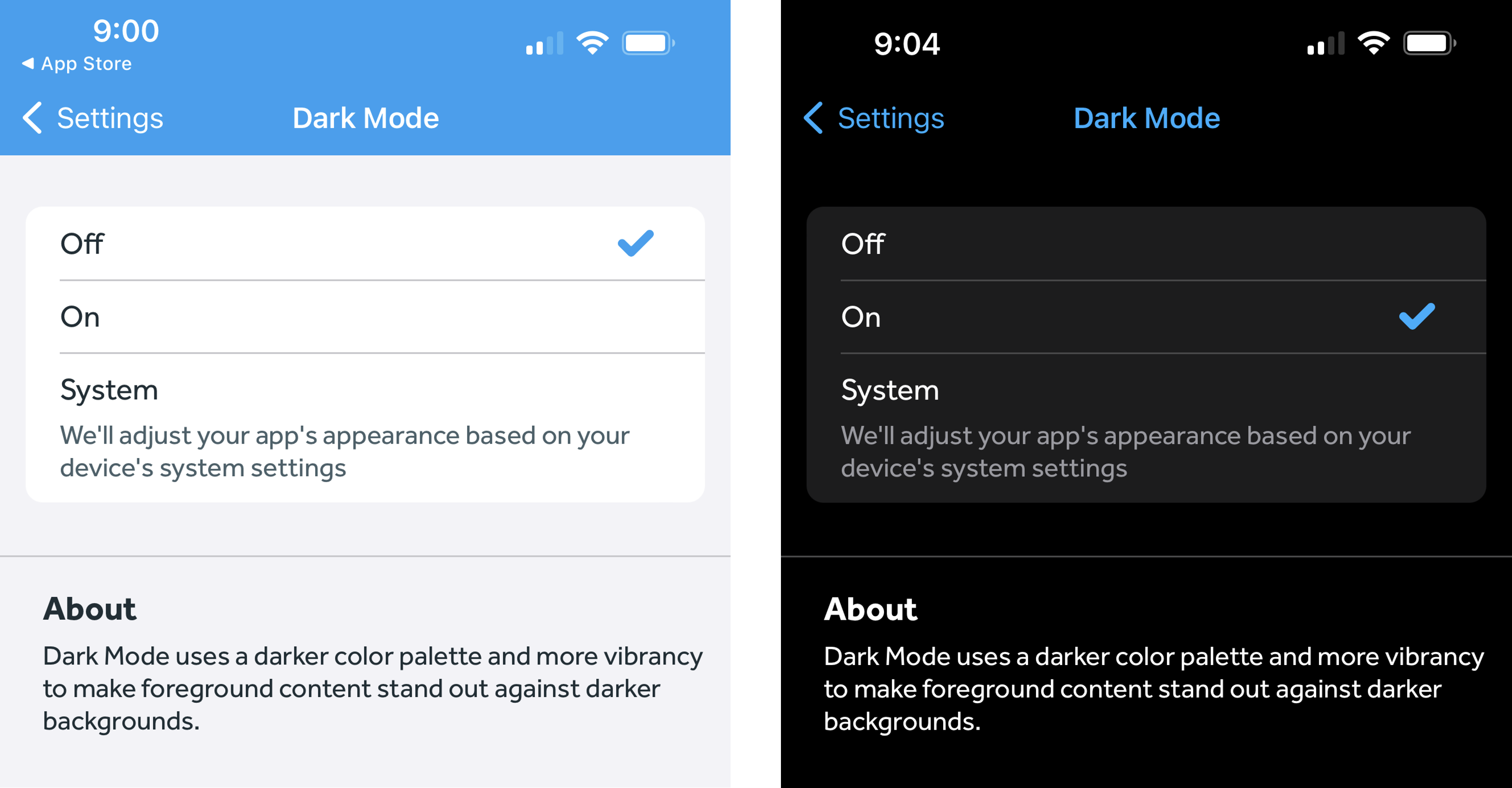
- Under “Preferences,” click the “Dark Mode” button
- Select “On” or "System"
-
- If you select System, our app will turn the Dark Mode feature on or off based on your device's system settings
-