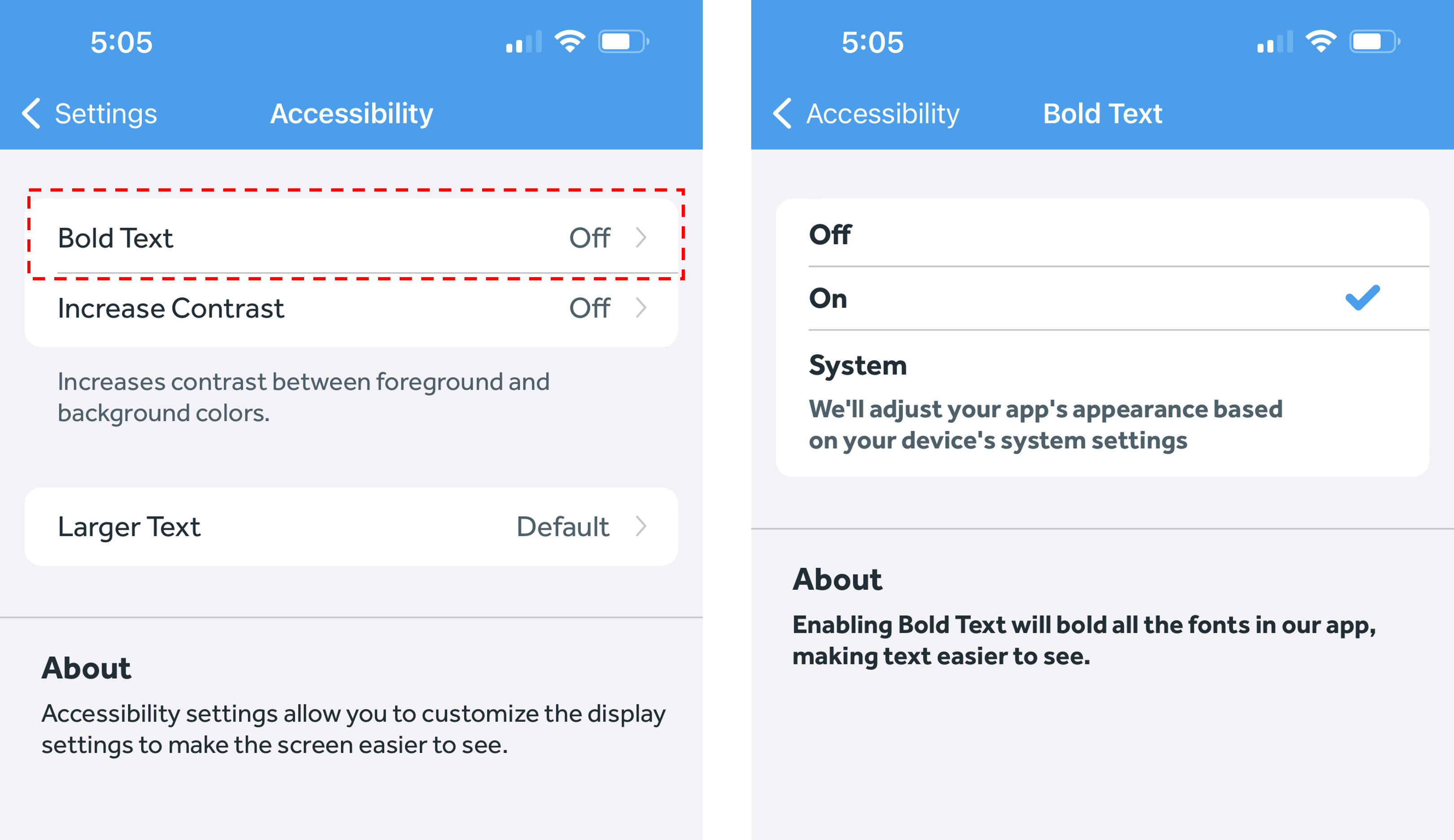
The Banner Medications app includes accessibility features to customize display settings and make the app easier to see. The Bold Text accessibility feature bolds all the fonts in the Banner Medications app, making text easier to see. Here's how to enable Bold Text:
- In the Banner Medications app, click on the navigation menu at the top left
- Click the “Settings” button
- Under “Preferences,” click the “Accessibility” button.
- Click "Bold Text"
- Switch it to "On" or "System"
-
- If you select System, our app will turn the Bold Text feature on or off based on your device's system settings
-